
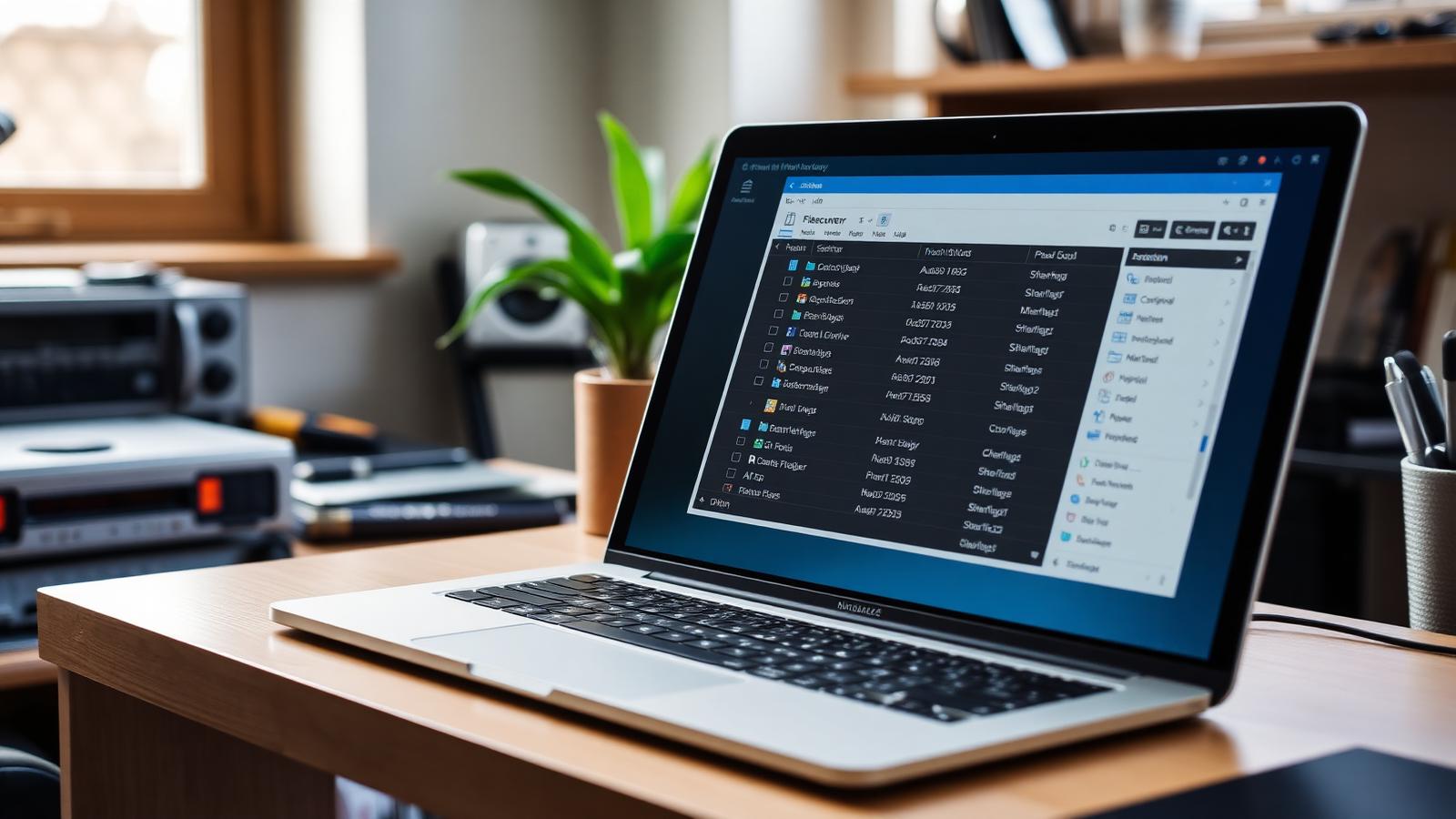
What is laptop storage retrieval?
Storage retrieval involves working directly with a laptop's internal storage hardware to locate and extract files that are no longer accessible through standard means. It is distinct from restoring a backup or running a simple file search; it requires a more technical approach, working at the level of the drive itself, whether that is a traditional hard disk drive or a solid-state drive.
In many cases where a laptop appears to have lost its data, the drive is physically intact. The files are present, but something is stopping the operating system from reading them — corrupted file system, failed firmware process, damaged partition structures, or a fault with the storage controller. We identify the cause and work around it to get to your data.
Storage problems we regularly encounter
- Internal hard drive or SSD no longer detected by the laptop
- Storage visible in the OS but returning errors or refusing access
- File system corruption preventing files from being listed or opened
- Partitions that have become unallocated or disappeared
- Drives that have been accidentally formatted or wiped
- Laptops that will not boot due to a storage fault, with files still needing retrieval
- Degrading storage where files need to be pulled before the drive deteriorates further
How we approach storage retrieval
Every job starts with a thorough diagnostic. Understanding the nature of the fault before attempting any retrieval is important — the wrong approach at this early stage can reduce the chances of a successful outcome.
Where the problem is logical — a corrupted file system or missing partition, for example — we use specialist recovery software such as TestDisk and R-Studio to work below the operating system level, rebuilding the drive's structure and recovering files that would otherwise appear lost.
Where the drive is showing signs of physical deterioration, we create a full sector-by-sector clone before beginning any retrieval work. We then work from that protected copy rather than placing further stress on the original storage. Once retrieval is complete, you get a clear summary of what's been recovered before anything is transferred.
Why speed matters
Continued use of a laptop with a failing drive can cause further degradation, overwriting areas that might otherwise be recoverable. If your files have become inaccessible or you suspect the drive is struggling, the best step is to stop using the device and contact us as soon as possible.
Related services
For broader hardware or software repair, see our main laptop repair page, or our wider data recovery service for databases, servers and backup recovery. Local collection runs across Bolton, Bury and Wigan.
Get in touch
If you can't access files on your laptop, or you're not sure whether retrieval is still possible, fill in the enquiry form for a no-obligation assessment. We'll talk you through the options honestly and without any pressure.