
How to Tell if Your Laptop Has a Virus (and What to Do Next)
Pop-ups, sudden slowdowns and browser changes can point to malware — but not always. Here are the real signs of a laptop virus and the safe steps to take next.
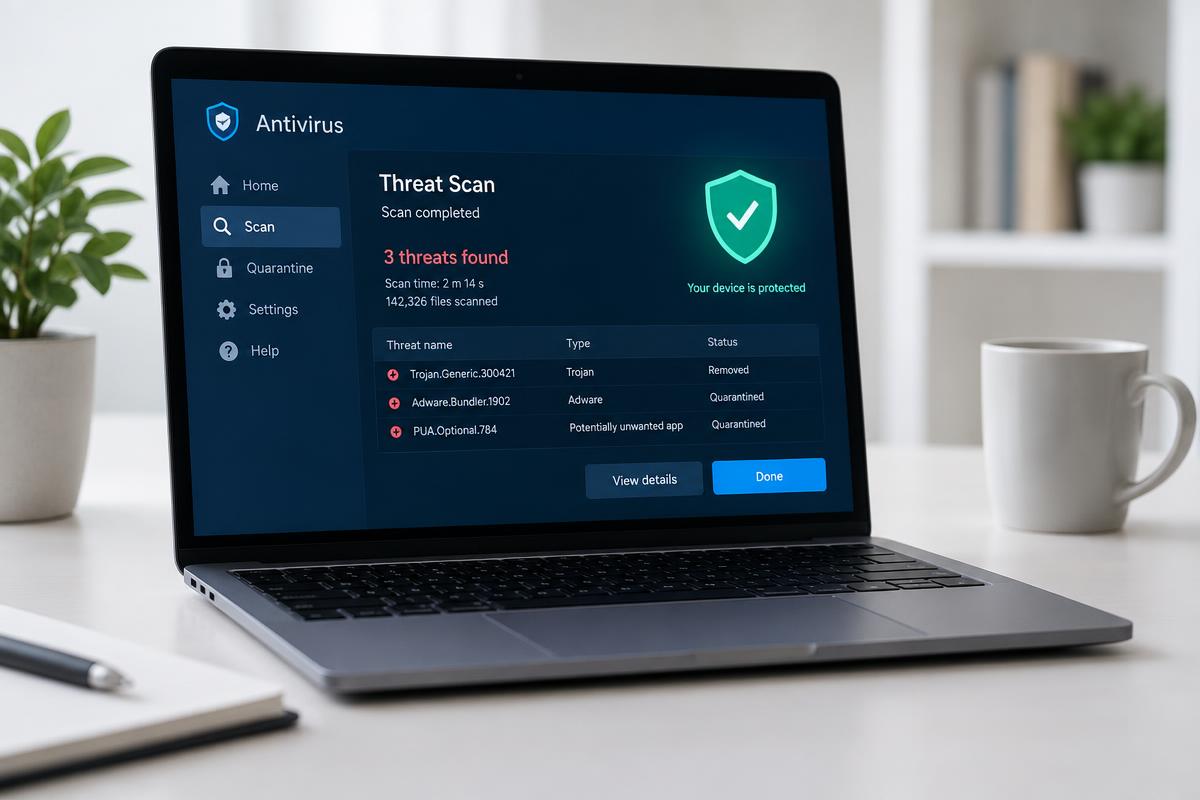
A laptop that suddenly starts behaving strangely can be worrying. Maybe it has become much slower, you are seeing pop-up windows you don't recognise, or programmes open when you haven't asked them to.
But does that automatically mean your laptop has a virus? Not necessarily. Unusual activity can be a sign of malicious software, so it is worth investigating — but there are plenty of other explanations too.
What are the signs that your laptop has a virus?
There isn't always one obvious sign. Instead you may notice several smaller changes in how your laptop behaves.
1. Your laptop has suddenly become very slow
Malware running in the background can slow a laptop down. However, low storage, too many startup programmes, outdated software and an ageing device can all do the same — see why is my laptop running slow. If the slowdown is sudden or comes with other odd behaviour, run a virus scan.
2. You keep seeing unexpected pop-ups
Be especially cautious of pop-ups claiming your laptop is infected and telling you to click a link, call a number or download software immediately. These are often attempts to install malicious software or collect your personal information.
3. Unfamiliar programmes or files appear
If applications, browser extensions or files appear that you don't remember installing, investigate before opening or deleting them. Not every unfamiliar programme is malicious — some arrive alongside legitimate software.
4. Your browser starts behaving differently
- Your usual search engine has changed
- Websites redirect you somewhere unexpected
- A new toolbar or extension has appeared
- Your homepage has changed
- You are seeing significantly more adverts than usual
5. Your laptop keeps crashing or behaving unusually
Frequent crashes, freezing or programmes closing unexpectedly have many causes, but alongside other warning signs they may warrant a security check.
6. Your antivirus software detects a threat
Don't dismiss the notification. Check what has been detected and follow the recommended steps to quarantine or remove it.
Does a slow laptop always mean you have a virus?
No. Slow performance is the symptom people most associate with viruses, but your laptop may also be slow because:
- Storage is almost full
- Too many applications run in the background
- There are too many startup programmes
- Windows needs updating
- Temporary files have built up
- The laptop is overheating
- A particular programme is misbehaving
- The hardware is becoming outdated
Installing a random antivirus programme and assuming it will fix every performance problem isn't the best approach. A proper diagnosis considers what else could be causing it.
How to check if your laptop has a virus
Start with your built-in security software
Windows includes built-in protection. Open Windows Security, look at the virus and threat protection options and start with a quick scan, which checks the areas where threats are most likely.
Run a full system scan
A full scan takes longer but checks more of your laptop. Keep the laptop connected to power and let it finish. If a threat is found, follow the instructions rather than ignoring the warning.
Check recently installed programmes
Think about when the problems started and what was installed around then. Don't delete programmes purely because you don't recognise the name — some legitimate Windows components have technical names.
What should you do if you find a virus or malware?
Disconnect from the internet if necessary. If you believe the laptop is actively compromised, disconnecting can prevent unwanted communication while you investigate.
Don't enter sensitive information. Avoid banking details and important passwords until you understand what is happening. If you have already entered passwords, change them from another trusted device.
Back up important files carefully. Backups matter, but take care not to copy malicious files to another device. Our guide on what to do before sending a laptop for repair covers backing up safely.
Don't download random virus removal tools. Some websites create fake security warnings to push unwanted software. Stick to trusted security software and reputable sources.
What if the virus scan doesn't find anything?
A clean scan makes some infections less likely, but if your laptop is still behaving strangely there could be another software problem, such as:
- Unwanted software
- Browser issues
- Corrupted system files
- A problematic application
- Storage or performance problems
- Hardware issues
When should you get professional help?
Professional support is particularly useful if:
- You can't remove a detected threat
- Your laptop continues to behave suspiciously
- You can't identify the source of the problem
- Important files or accounts may be at risk
- Your security software keeps detecting the same threat
- You are unsure whether a warning on screen is genuine
- The problem is affecting your ability to use the laptop
A technician can look at the laptop as a whole rather than running a scan and assuming the job is done.
How can you prevent viruses and malware?
There is no guarantee, but a few habits reduce the risk considerably:
- Use strong, unique passwords
- Consider using a password manager
- Keep important files backed up
- Download software from reputable sources
- Don't ignore security updates
- Be cautious of unexpected pop-ups
- Avoid entering sensitive information into unfamiliar websites
- Keep your browser and commonly used software updated
Still think your laptop has a virus?
A software fault can look like a virus, and a genuine infection can be hard to remove completely without the right tools. Our software-focused laptop repair service in Bolton can investigate security and software problems and advise on the right next step — get in touch to talk it through.
Frequently asked questions
How can I tell if my laptop has a virus?
Common signs include sudden slow performance, unexpected pop-ups, unfamiliar programmes, browser changes, frequent crashes and security warnings. These can have other causes, so a trusted antivirus scan is a useful first step.
Can a virus make a laptop slow?
Yes. Some malware uses your laptop's resources and slows it down. Slow performance can also be caused by low storage, background applications, outdated software or hardware problems.
How do I scan my laptop for viruses?
On Windows, use Windows Security to run a virus scan. Start with a quick scan and, if needed, run a full system scan for a more thorough check.
What should I do if my laptop has malware?
Follow your security software's instructions to quarantine or remove the threat, avoid entering sensitive information until you are confident it is safe, and seek professional help if it cannot be removed.
What if my antivirus scan says my laptop is clean?
If the laptop still behaves unusually, the cause may not be malware. Windows errors, unwanted programmes, corrupted files, software conflicts and hardware faults can produce similar symptoms.
Got a system that's holding you back?
Tell us what you're trying to achieve — we reply within one working day.
Start a conversation