
Microsoft Publisher Has Reached End of Life: What Bolton Clubs and Small Businesses Should Do With Their Files
Microsoft Publisher was discontinued in October 2026. If you still need your Publisher files, convert them to PDF or Word now and keep the originals until you are sure the new versions look right.
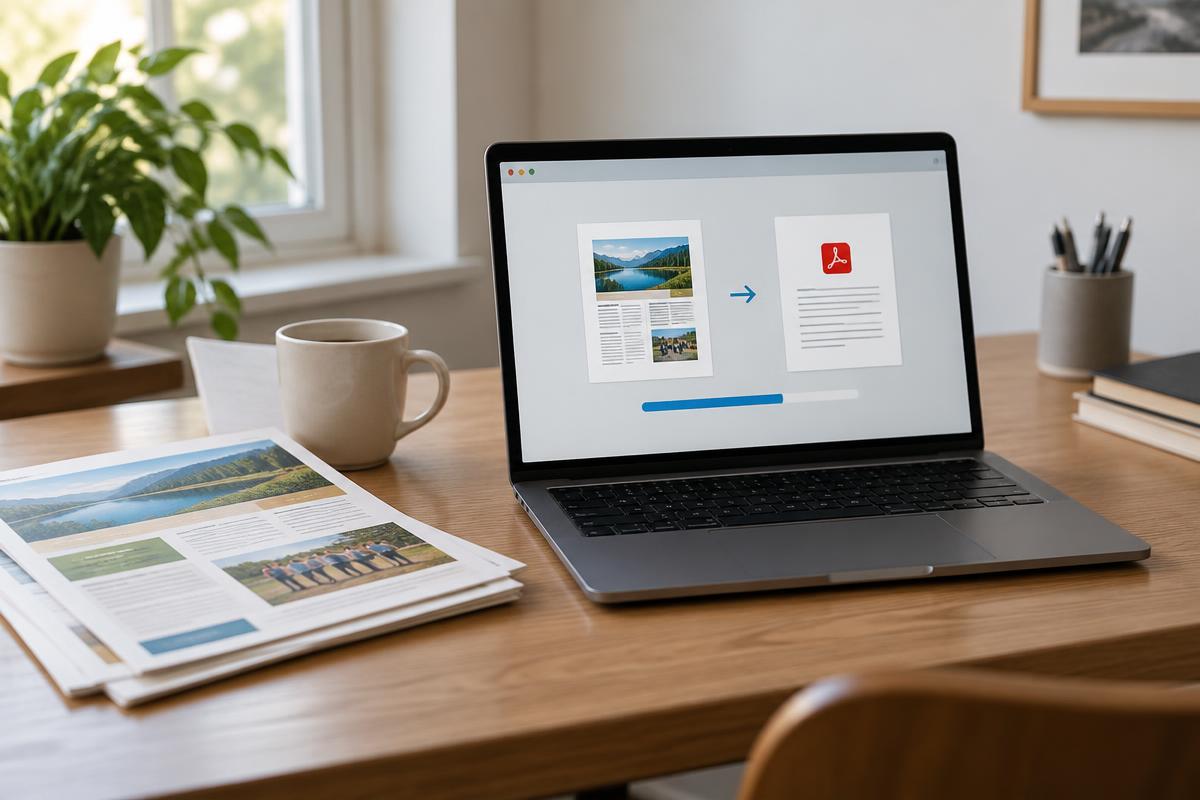
Short answer: Microsoft Publisher was discontinued in October 2026. If you have Publisher files you still need, convert them to PDF or Word as soon as you can, and keep the originals until you are sure the new versions look right.
Publisher has been a quiet staple for years, particularly for the newsletters, flyers and posters that community groups and small businesses put together themselves. Plenty of Bolton clubs and firms will have folders of Publisher files they haven't opened since the last event, and some are only now discovering why keeping files in up-to-date, accessible formats matters.
What has changed with Microsoft Publisher?
Microsoft announced that Publisher would reach end of life in October 2026. If you use the Microsoft 365 subscription version, you can no longer use it to open or edit Publisher files. If you have a perpetual version, bought outright rather than by subscription, support has also ended, but Microsoft says you can still install and use it.
The timing is undoubtedly awkward. Microsoft advised converting files before 1 October, and it was an easy announcement to miss. If you did, you haven't necessarily lost anything. The files are still on your computer, and there are sensible routes back to them.
How do you convert Publisher files to PDF or Word?
If you still have a working copy of Publisher on any machine, convert your important files now. Microsoft's own route is short:
- Step 1: Open the file in Publisher, go to File > Save As and choose PDF as the file type.
- Step 2: Check the PDF carefully. This is your reliable, long-term copy of how the document looked.
- Step 3: If you need to edit the content later, open the PDF in Word and accept the prompt to convert it into an editable document.
Expect some layout drift when a PDF becomes a Word document. Publisher layouts rely on precise positioning, so text boxes and images may move, and complicated newsletters often need tidying afterwards. That is why the PDF should remain your definitive copy.
What if your Publisher files won't open?
If your only copy of Publisher was the subscription version and a file won't open, don't delete anything. An older computer, or a colleague's laptop with a perpetual copy installed, may still do the job. It's worth asking around before assuming the worst.
Converting a large archive is a problem of its own. Microsoft's guidance points to a PowerShell script for converting many files at once, but it still depends on having Publisher available, and it isn't something we'd suggest running on a business machine without checking it first. If you have a big folder of old files, this is a sensible point to ask for help. Our guide on whether it's safe to fix software problems yourself explains where DIY stops being worth the risk.
What should replace Publisher for newsletters and flyers?
You don't need to hunt for a like-for-like replacement. Word handles simple layouts well, and PDF is the safest format for anything you send out. If you design a lot of print material, a dedicated design tool may be worth adopting, but it's better to choose deliberately than to grab whatever appears first in a search.
Should you tidy your file archive at the same time?
Yes. This is a good moment to decide which files are genuinely still needed, convert them, and keep the PDFs somewhere that is backed up. Old files nobody has opened in years can simply be archived rather than converted. If you're unsure how often that backup should run, read how often you should back up your laptop. And if files have already gone missing, our data recovery service may be able to help.
Frequently asked questions
What happens to Publisher files after October 2026?
The files themselves don't disappear, but Microsoft 365 subscribers can no longer open or edit them in the app. Microsoft recommends converting important files to PDF or Word.
Can I still use Publisher if I bought it outright?
Microsoft says perpetual versions can still be installed and used after support ends, but they no longer receive support.
How do I convert a Publisher file to PDF?
Open it in Publisher, go to File > Save As and choose PDF as the file type.
Can a PDF be turned back into an editable document?
Yes. Word can convert a PDF into an editable document, although complex layouts often need tidying afterwards.
Get in touch about your Publisher files
If you have a folder of Publisher files and you're not sure what to do with it, you don't have to work it out alone. Get in touch through our enquiry form with a rough idea of how many files there are and what they're for, and we'll tell you honestly whether we can help and how we'd go about it.
Whether you're a club in Bolton or a small business elsewhere in Greater Manchester, it's much easier to sort this out now than when you urgently need an old document in the months to come.
Got a system that's holding you back?
Tell us what you're trying to achieve — we reply within one working day.
Start a conversation