
How Often Should You Back Up Your Laptop?
Back up important files weekly and run a full backup monthly. Here's how often different files need backing up, and how to make it automatic.
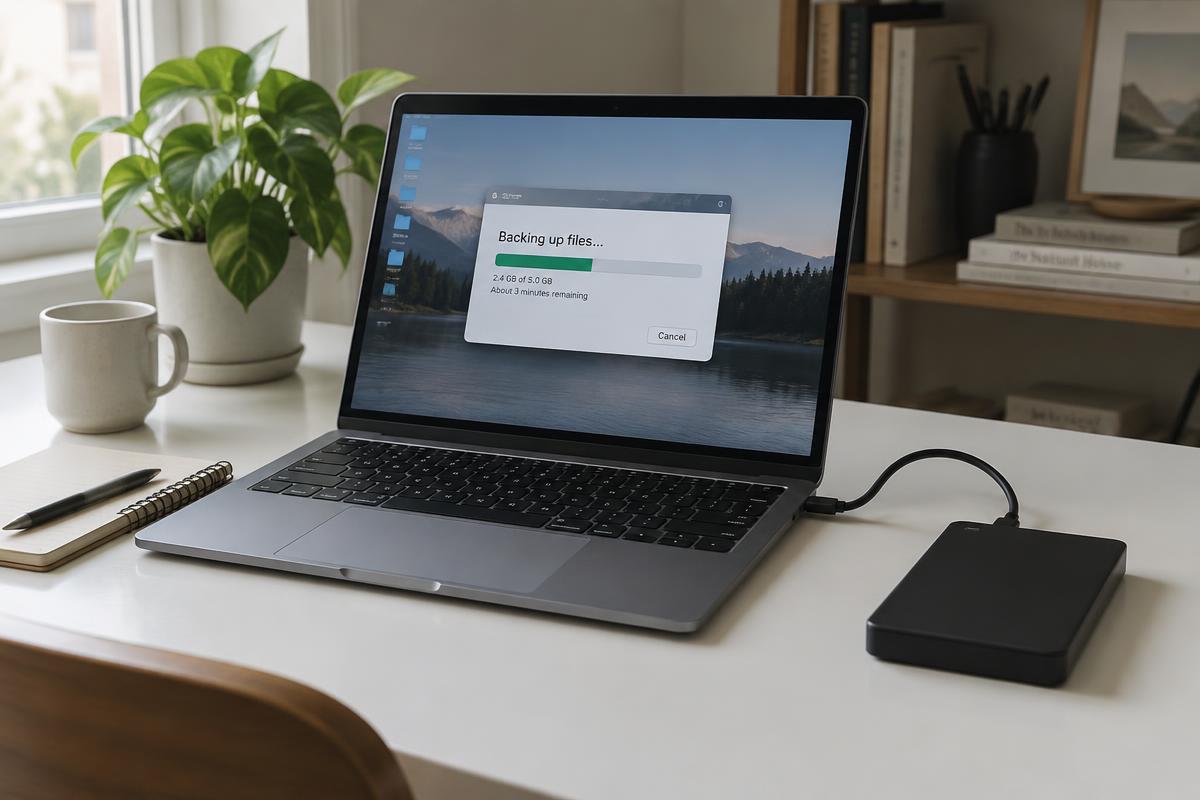
For most people, backing up important files weekly, alongside a full backup once a month, strikes the right balance between staying protected and not turning it into a chore. Exactly how often depends on how much you would stand to lose, but the short version is simple: if you would be upset to lose it, it needs backing up somewhere else, regularly.
Why does backup frequency matter?
A backup is only as useful as it is recent. A laptop backed up once a year still risks losing months of documents, photos and work if something goes wrong the week before the next backup. The point of backing up regularly isn't paranoia; it is making sure that whatever you would lose in a worst-case scenario is measured in days, not months.
Laptops rarely give much warning before something goes wrong. A failing drive, a bad software update, theft, accidental damage or malware can all mean sudden, complete loss of anything not backed up elsewhere. The laptop works, and then it doesn't. If that has already happened to you, our data recovery service may be able to help.
How often do different files need backing up?
Rather than one rule for everyone, think about how often the files themselves change:
- Work documents, coursework and anything you are actively editing: weekly at minimum, and daily if the work is time-sensitive.
- Photos and videos: monthly is usually enough, or more often if you take a lot of photos.
- Software licences, settings and files that rarely change: less frequently, as there is less new information to lose between backups.
If in doubt, weekly is a sensible default for anything you would genuinely miss.
How do I make backups automatic?
Manual backups tend to fall by the wayside. Setting up an automatic backup removes the need to remember, and once it is configured properly it simply happens in the background.
You generally have two options:
- Cloud storage, such as OneDrive or Google Drive, backs up automatically and keeps files accessible from anywhere, which helps if your laptop is lost, stolen or badly damaged.
- External storage offers more space for the price and doesn't need an internet connection, but it only protects you if the drive is looked after and not left permanently plugged into the laptop it is backing up.
Many people find a mix of both works best: cloud storage for files they access regularly, and an external drive for larger files or a second layer of protection.
Is your current setup good enough?
Be honest about whether your habits would hold up. Can you say confidently when you last backed up? Would losing everything since then be a minor inconvenience or a genuine problem? Are your backups automatic, or do they depend on you remembering? If any of that leaves you uneasy, act on it now. Backups also matter before any repair, which is why they top our list of what to do before sending a laptop for repair and why they are essential before you reinstall Windows.
Get in touch
Weekly backups for anything you are actively working on, monthly for everything else, and automation wherever possible covers most people's needs without becoming a chore.
If you are not sure your current setup is doing what you think it is, or you would like help getting an automatic backup in place, we are happy to help. Get in touch through our enquiry form and we will talk you through the options. Just let us know where you are based.
Frequently asked questions
How often should I back up my laptop?
Weekly for files you are actively working on, and at least monthly for everything else, is a sensible default. Automatic backups remove the need to remember.
What's the difference between cloud and external hard drive backups?
Cloud storage backs up automatically and is accessible from anywhere. External storage often offers more space for the price but must be connected unless scheduled. Many people use both.
What happens if I don't back up my laptop?
You risk losing everything since your last backup if something goes wrong, whether through hardware failure, theft, damage or malware. Laptops rarely give much warning.
Is an automatic backup better than doing it manually?
Yes, for most people. Manual backups tend to be forgotten or delayed, while automatic backups happen consistently in the background.
Got a system that's holding you back?
Tell us what you're trying to achieve — we reply within one working day.
Start a conversation