
Should You Reinstall Windows? What It Fixes and What It Doesn't
A Windows reinstall can fix persistent software faults, but it will not solve hardware problems. Learn when it helps, what you could lose and how to prepare safely.
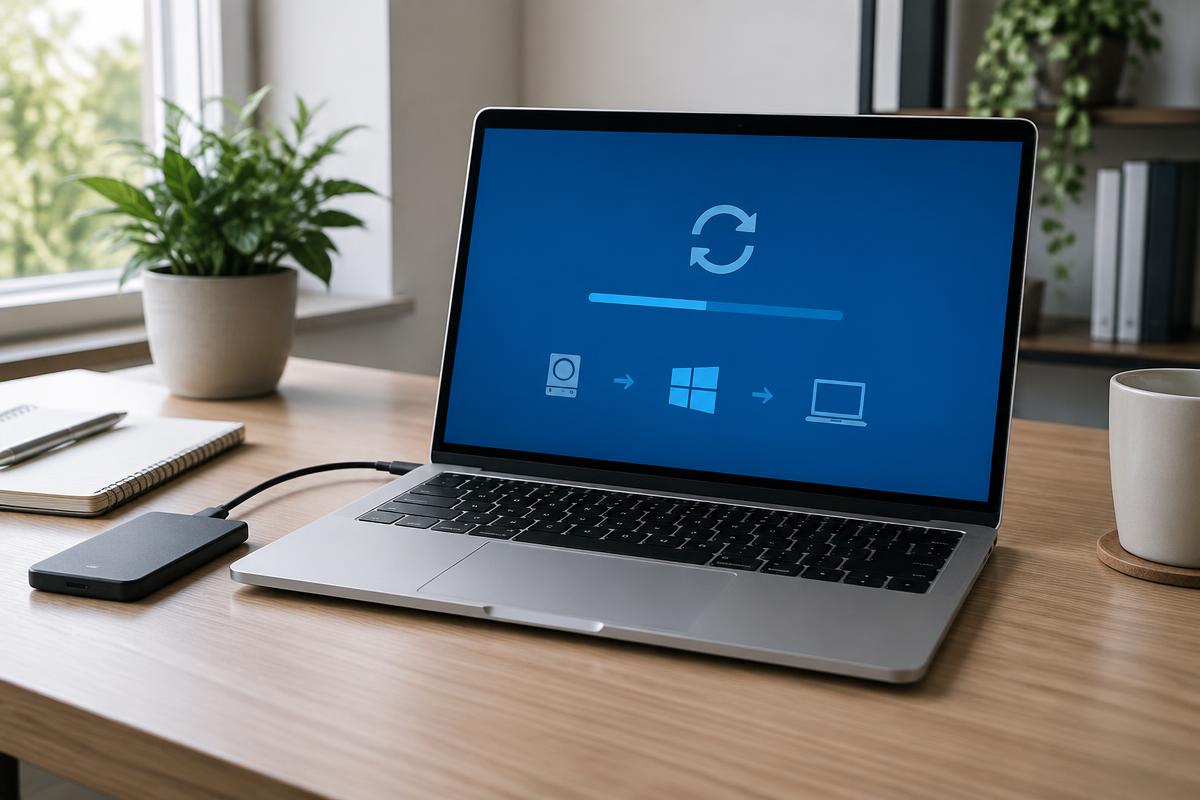
Reinstalling Windows can solve persistent software problems that ordinary maintenance cannot fix. However, it is not a cure-all, and it can put your files, settings and software licences at risk if it is handled carelessly.
This guide explains what a Windows reinstall changes, which problems it can fix and when a proper diagnosis should come first.
What does reinstalling Windows actually do?
Reinstalling Windows gives the operating system a clean starting point. Depending on the method used, it may remove installed programmes, personal files and settings, or keep personal files while resetting much of the rest of the system.
Either way, it rebuilds the software layer of the laptop. That can be useful when Windows itself has become badly corrupted, cluttered or unstable, but it does not repair physical components.
What problems can a Windows reinstall fix?
A clean reinstall can be effective when a problem has developed deep within the operating system or several smaller software issues have built up over time.
It may help with:
- Persistent slowness that has not improved after sensible maintenance
- Corrupted system files causing repeated errors, crashes or failed start-ups
- Stubborn malware that cannot be removed reliably
- Years of conflicting programmes, old drivers and unwanted software
- Windows Update failures caused by a damaged installation
If slow performance is your main concern, first review the common software causes of a slow laptop. A reinstall may be unnecessary if the cause is a crowded start-up list, low free space or one troublesome programme.
What will a reinstall not fix?
A Windows reinstall only affects software. It will not repair a failing storage drive, worn battery, damaged screen, overheating component or another physical fault.
A failing drive can sometimes look like a Windows problem because it may cause freezing, missing files and crashes. Reinstalling onto an unhealthy drive may waste time and increase the risk to your data. If the symptoms are unclear, a software diagnostic should establish the likely cause before anything is erased.
A reinstall may also provide only temporary relief when a particular programme or setting caused the problem. If the same software is installed again without addressing the cause, the fault may return.
Will reinstalling Windows delete your files?
It can. Some reset options are designed to keep personal files, while a clean installation removes everything on the Windows drive. Even when documents and photographs are retained, installed programmes, saved preferences and some credentials are usually removed.
A verified backup is essential. Do not assume that choosing “keep my files” removes every risk. Important folders can be stored in unexpected locations, cloud files may not be fully synchronised and licence details may be difficult to recover later.
Before proceeding, identify and back up:
- Documents, photographs, videos and other personal files
- Browser bookmarks and any passwords not already held in a password manager
- Email archives stored locally
- Software licence keys and installation details
- Files saved on the desktop or in application-specific folders
- Any work that has not finished synchronising to cloud storage
Our pre-repair checklist covers the practical steps that protect your information before work begins.
Is there a safer alternative to a full reinstall?
Sometimes. Windows includes repair and reset options that sit between doing nothing and wiping the system completely. The right choice depends on the cause and severity of the fault.
Possible alternatives include repairing corrupted system files, removing a conflicting programme, reversing a recent update, cleaning up start-up items or resetting Windows while keeping personal files. These options are less disruptive, although they may not be enough for serious corruption or a deeply compromised system.
This is why diagnosis matters: the least disruptive effective fix is usually better than treating a reinstall as the automatic first step.
When is reinstalling Windows worth considering?
A reinstall is most sensible when the laptop is otherwise in sound condition, the fault is clearly software-related and proportionate repairs have already failed. It can give a capable computer a fresh start and may be better value than replacing it.
It should not normally be the first step when the cause is unknown, physical symptoms are present or important files have not been backed up. Wiping the system too early can remove useful evidence and make recovery harder.
Why professional help can reduce the risk
The installation itself is only one part of the job. A careful service should also confirm that the hardware is healthy enough, protect your data, reinstall suitable drivers, apply updates, restore essential software and check that the original fault has gone.
If you are deciding whether to reinstall Windows, Bark Street Software provides software-focused laptop repair in Bolton and clear advice before any work begins. Tell us what is happening, and we will explain the safest next step.
Frequently asked questions
Will reinstalling Windows delete my files?
It depends on the method. Some reset options keep personal files, while a clean installation removes them. Settings and installed programmes are commonly lost either way, so make a verified backup first.
Does reinstalling Windows fix a slow laptop?
It can when the slowdown comes from software clutter, corruption or conflicts. It will not solve a failing component or an underpowered machine.
Can reinstalling Windows fix a hardware problem?
No. It changes the operating system, not the laptop’s physical components. Hardware faults need separate diagnosis and repair.
Is it safe to reinstall Windows myself?
It is possible, but mistakes can cause permanent data loss or leave important drivers and programmes missing. If the files matter or the cause is uncertain, get advice before wiping the system.
Got a system that's holding you back?
Tell us what you're trying to achieve — we reply within one working day.
Start a conversation